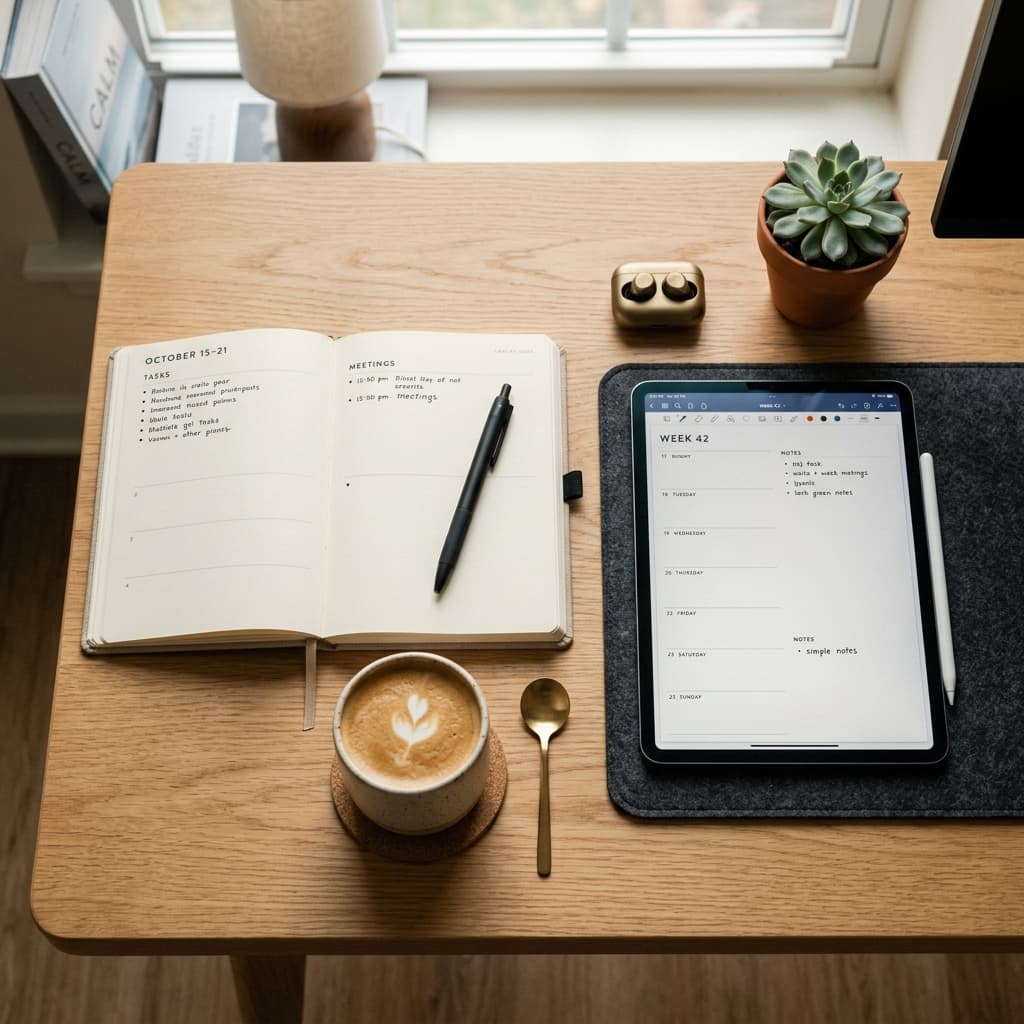

How to Time Block
Why Time Blocking Works
Most people work reactively. They arrive at the office, check email, respond to Slack messages, attend meetings, and squeeze "real work" into the gaps. The result is constant context switching, shallow focus, and the feeling of being busy without accomplishing anything meaningful.
Time blocking inverts this. You decide in advance what you will work on and when. Your calendar becomes your to-do list. Research from the University of California, Irvine found that it takes an average of 23 minutes to refocus after an interruption. Time blocking minimizes interruptions by batching similar tasks and protecting deep work periods.
The Core Principles
1. Schedule Deep Work First
Your most cognitively demanding work should happen when your energy is highest, usually the first 2-4 hours of your day. Block this time as non-negotiable. No meetings, no email, no Slack.
2. Batch Shallow Work
Group low-cognitive tasks into dedicated blocks: email, Slack, administrative work, and meetings. Process them in batches rather than continuously.
3. Build in Buffer Time
Leave 15-30 minute gaps between blocks. Unexpected tasks arise, meetings run over, and transitions take time. Buffers prevent your schedule from collapsing.
4. Protect Personal Time
Block time for exercise, meals, family, and rest. If it is not on your calendar, it will not happen.
Sample Day Block
| Time | Block | Activity |
|---|---|---|
| 6:00-7:00 | Morning routine | Exercise, shower, breakfast |
| 7:00-9:00 | Deep work #1 | Write project proposal |
| 9:00-9:30 | Buffer | Email triage |
| 9:30-11:00 | Meeting block | Team standup, 1:1s |
| 11:00-12:00 | Shallow work | Administrative tasks |
| 12:00-13:00 | Lunch | Away from desk |
| 13:00-15:00 | Deep work #2 | Code review, architecture design |
| 15:00-16:00 | Communication | Slack, email responses |
| 16:00-17:00 | Planning | Review day, plan tomorrow |
| 17:00-18:00 | Buffer | Wrap up, transition home |
| 18:00-21:00 | Personal | Dinner, family, reading |
| 21:00-22:00 | Wind down | Journal, prepare for sleep |
Tools for Time Blocking
Google Calendar: The simplest option. Create recurring blocks for regular activities. Sunsama: Built specifically for time blocking. Pulls tasks from Asana, Trello, and Todoist into your calendar. Clockwise: AI-powered calendar assistant that automatically protects focus time and reschedules meetings. Paper planner: For those who prefer analog. The Time Timer and bullet journal methods work well.
Common Mistakes
Over-scheduling: Leave white space. A packed calendar is fragile and stressful. Ignoring energy levels: Do not schedule deep work at 3pm if you are a morning person. Being too rigid: Life happens. Move blocks when needed; do not abandon the system. Neglecting transitions: Give yourself 5 minutes between blocks to reset.
The Bottom Line
Time blocking is not about controlling every minute; it is about ensuring your priorities get protected time. Start by blocking one 2-hour deep work session each morning. Add more structure as you see the benefits. Within two weeks, you will notice you are finishing important work instead of just staying busy.